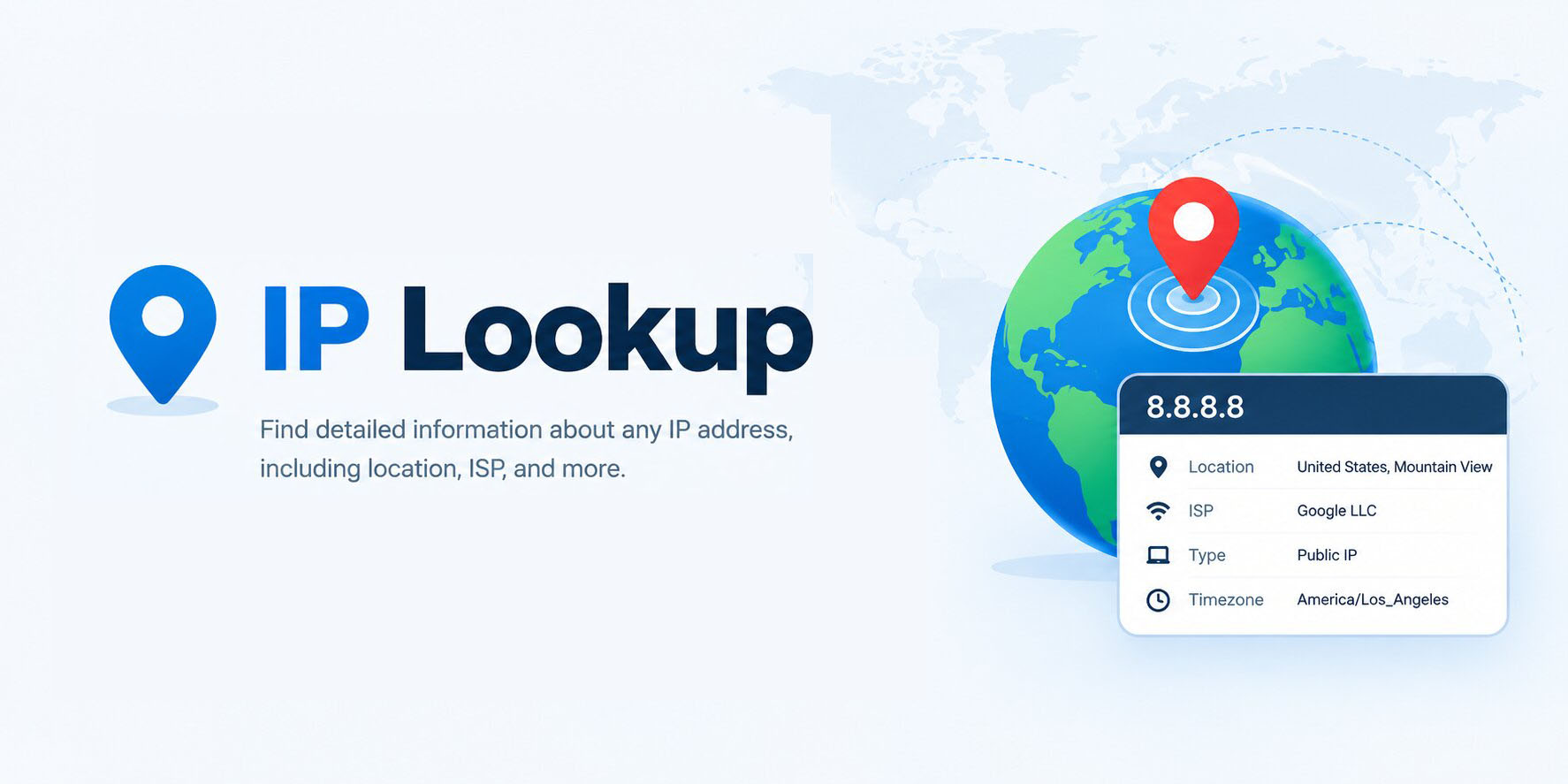
IP Lookup – Check IP Address Information Online
Created on 17 September, 2026 • Checker-tools • 47 views • 8 minutes read
An IP address helps identify a device or network interface when it communicates over an Internet Protocol network. When you visit a website, send an email, or connect to an online service, IP addresses help network traffic reach the appropriate destination.An IP Lookup tool helps users examine information associated with an IP address. Depending on the data source and the tool's capabilities, the results may include an approximate geographic location, Internet Service Provider (ISP), organization, or autonomous system information.
The URLShorta IP Lookup tool is designed to make IP address information easier to investigate. Results depend on the accuracy and coverage of the underlying data source, so they should be treated as useful reference information rather than a guarantee of a person's identity or exact location.
What Is an IP Address?
An Internet Protocol (IP) address is a numerical address used to identify a network interface for communication across an IP network. Two commonly used versions are IPv4 and IPv6.
IPv4 Addresses
IPv4 addresses use 32 bits and are usually written as four decimal numbers separated by periods.
Example:
192.0.2.10
This address belongs to a range reserved for documentation and examples. It is not intended to represent a real public website or user.
IPv6 Addresses
IPv6 uses 128 bits and supports a much larger address space than IPv4. An IPv6 address is commonly written as groups of hexadecimal characters separated by colons.
Example:
2001:db8::10
This is also a documentation address and should be used only as an example.
What Is an IP Lookup Tool?
An IP Lookup tool checks available information associated with an IP address. Depending on the service, it may use IP geolocation databases, network registration information, or other data sources to produce a result.
Commonly available information may include:
- Approximate country or region.
- City-level location estimates, when available.
- Internet Service Provider or network organization.
- Autonomous System Number (ASN), when supported.
- Network-related details provided by the data source.
Not every IP Lookup tool provides every field. Some addresses may return limited information, and different databases may produce different results.
How to Use the URLShorta IP Lookup Tool
Step 1: Open the IP Lookup Page
Visit the IP Lookup tool on URLShorta:
https://urlshorta.com/tools/ip-lookup
Make sure this address matches the published tool page on your website.
Step 2: Enter an IP Address
Enter the IPv4 or IPv6 address you want to investigate, using the format accepted by the tool.
For example, you can use `192.0.2.10` to test the input format. Because this is a reserved documentation address, it should not be expected to return ordinary public IP geolocation information.
Step 3: Start the Lookup
Select the lookup button provided by the tool. The tool should process the address and retrieve the information supported by its implementation and data source.
Step 4: Review the Results
Review the fields shown in the results. These may include location estimates, network organization, or ISP details, depending on the tool.
If a field is unavailable, it does not necessarily mean that the IP address is invalid. The data source may simply lack information about that address.
Step 5: Understand the Limitations
Use the results as a starting point for network troubleshooting or general research. Do not treat an approximate location as proof of where a person lives or assume that the listed organization identifies the individual using the address.
What Information Can an IP Lookup Reveal?
1. Approximate Geographic Location
Some IP Lookup services estimate a country, region, or city associated with an IP address. These estimates are based on available geolocation data and may not match the user's physical location.
For example, an IP address registered to a network in one city may be used by a customer in another city. Mobile networks, corporate networks, VPNs, and routing arrangements can also affect the apparent location.
2. Internet Service Provider
The result may identify an ISP or network organization associated with the IP address. This information can be useful when investigating connectivity issues or identifying the network responsible for an address range.
However, the network organization is not necessarily the company operating a website or the person using the connection.
3. Autonomous System Number
An Autonomous System Number (ASN) identifies an autonomous system used for routing information across the Internet. Network operators, ISPs, cloud providers, and large organizations may operate autonomous systems.
If an IP Lookup tool provides ASN information, it can help users understand which network announces or manages a particular IP range. The exact relationship depends on the network data available.
4. Network and Organization Details
Some services provide additional registration or network information. These details may help technical users understand the administrative organization associated with an address range.
The available fields vary by source, and registration details should not be treated as proof of who is currently using an IP address.
Public IP vs. Private IP Address
What Is a Public IP Address?
A public IP address can be routed across the public Internet, subject to network configuration and applicable routing rules. Public addresses are commonly used by Internet-facing servers, routers, and other network services.
An IP Lookup service may have geolocation or registration data for some public addresses, but not every address will return detailed results.
What Is a Private IP Address?
Private IPv4 addresses are reserved for use within private networks. Common ranges include:
10.0.0.0 – 10.255.255.255

172.16.0.0 – 172.31.255.255

192.168.0.0 – 192.168.255.255
These addresses are commonly used inside homes, offices, and local networks. They are not globally unique public Internet addresses, so a public IP geolocation service generally cannot identify a specific external location from a private address.
IPv4 vs. IPv6 Lookup
IPv4 and IPv6 use different address formats, but both can identify network interfaces for IP communication.
IPv4 addresses are shorter and written in dotted-decimal notation. IPv6 addresses use hexadecimal groups separated by colons.
An IP Lookup tool must support the address version being submitted. If the tool supports only IPv4, an IPv6 query may fail or return an input error. Check the tool's supported formats before drawing conclusions from a failed lookup.
Why Is IP Lookup Useful?
Network Troubleshooting
IP information can help network administrators investigate routing, connectivity, or provider-related questions. It is only one part of diagnosing a network problem.
Website Administration
Website owners may use IP information to understand network traffic, investigate unexpected requests, or review the network organization associated with an address.
General Research
IP Lookup can provide a starting point for learning about a network or interpreting publicly available IP-related information.
Security Investigation
IP information may support an initial investigation of suspicious network activity. However, IP addresses can be shared, reassigned, proxied, or spoofed in some contexts. An address alone is not enough to establish who performed an action.
Why Might an IP Lookup Show the Wrong Location?
IP geolocation is an estimate rather than a precise tracking method. Several factors can affect the result.
Outdated Geolocation Data
Databases may not immediately reflect changes in address allocation or network deployment.
VPNs and Proxy Servers
When a person uses a VPN or proxy, a lookup may show information associated with the intermediary's IP address rather than the person's actual location.
Mobile and Corporate Networks
Internet providers may route traffic through gateways located far from the user's physical location. As a result, the estimated city may differ from where the user is located.
Shared IP Addresses
Multiple customers or devices may use the same public IP address through network address translation or shared network infrastructure. The address therefore does not necessarily identify a single person or device.
IP Lookup Limitations and Privacy
An IP Lookup tool cannot reliably reveal a person's exact home address, name, or identity from an IP address alone. More detailed subscriber information, where available, is generally held by the relevant service provider and subject to applicable legal and privacy requirements.
IP addresses can sometimes be considered personal data depending on the context and applicable law. Use lookup results responsibly, avoid making unsupported claims about individuals, and follow relevant privacy requirements.
Frequently Asked Questions
What does an IP Lookup tool do?
It retrieves available information associated with an IP address. Depending on the service, results may include approximate location, ISP, organization, or network details.
Can IP Lookup find an exact location?
Usually not. IP geolocation generally estimates a geographic area and should not be treated as an exact physical location or home address.
Can I look up both IPv4 and IPv6 addresses?
That depends on the tool. Check whether the IP Lookup service supports both address formats.
Why does my IP address show a different city?
The geolocation database may use outdated information, or your provider may route traffic through a gateway in another location. VPNs and proxies can also affect the result.
Can an IP address identify a person?
An IP address alone generally does not establish a person's identity. Shared networks, dynamic address allocation, VPNs, and other factors can make attribution difficult.
Why does an IP Lookup return no information?
The address may be private, reserved for documentation, invalid for the tool, or missing from the data source. A service error or unsupported address format may also cause an empty result.
Conclusion
IP Lookup is a useful way to explore available information associated with an IP address. It can help users understand approximate geolocation, network organizations, ISPs, and other network details when those fields are supported by the data source.
For accurate interpretation, remember that IP information has limitations. Geographic results are estimates, network ownership does not identify an individual user, and an IP address alone cannot prove a person's identity or exact location.
Visit the URLShorta IP Lookup tool to check the IP information available for your address:
https://urlshorta.com/tools/ip-lookup
Categories
Popular posts
-
What Is a Gravatar Checker?Checker-tools • 90 views
-
-
-
-